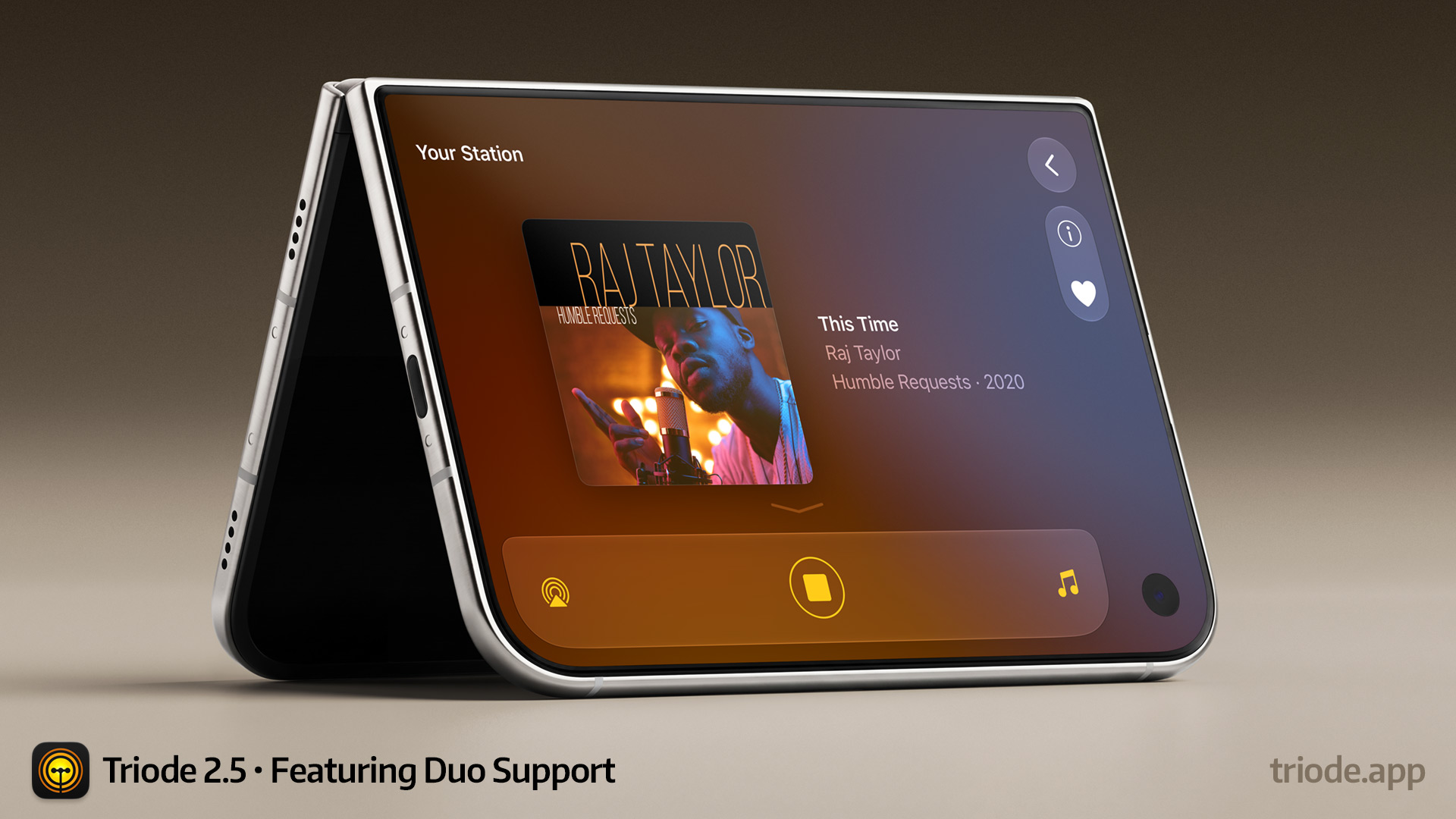

It’s been a little over a month since our last release of internet radio app, Triode, but we’ve been busy working on an update for the new iPhone Duo. We’re happy to announce that version 2.5 is available for download and should work great on Apple’s new device.
One early observation we had was how Apple had defined a set of poses for the device. These poses allow both customers and developers to think of how their app might be used in different physical conditions. So of course we started folding prototypes and thinking about how you might use an Internet radio in the different positions.
Using the outer screen or the unfolded inner screen is familiar. The navigation bars move from the top to the side, but content layouts are generally unaffected. Here’s what the external screen looks like – very similar to what you’d see on a regular iPhone:
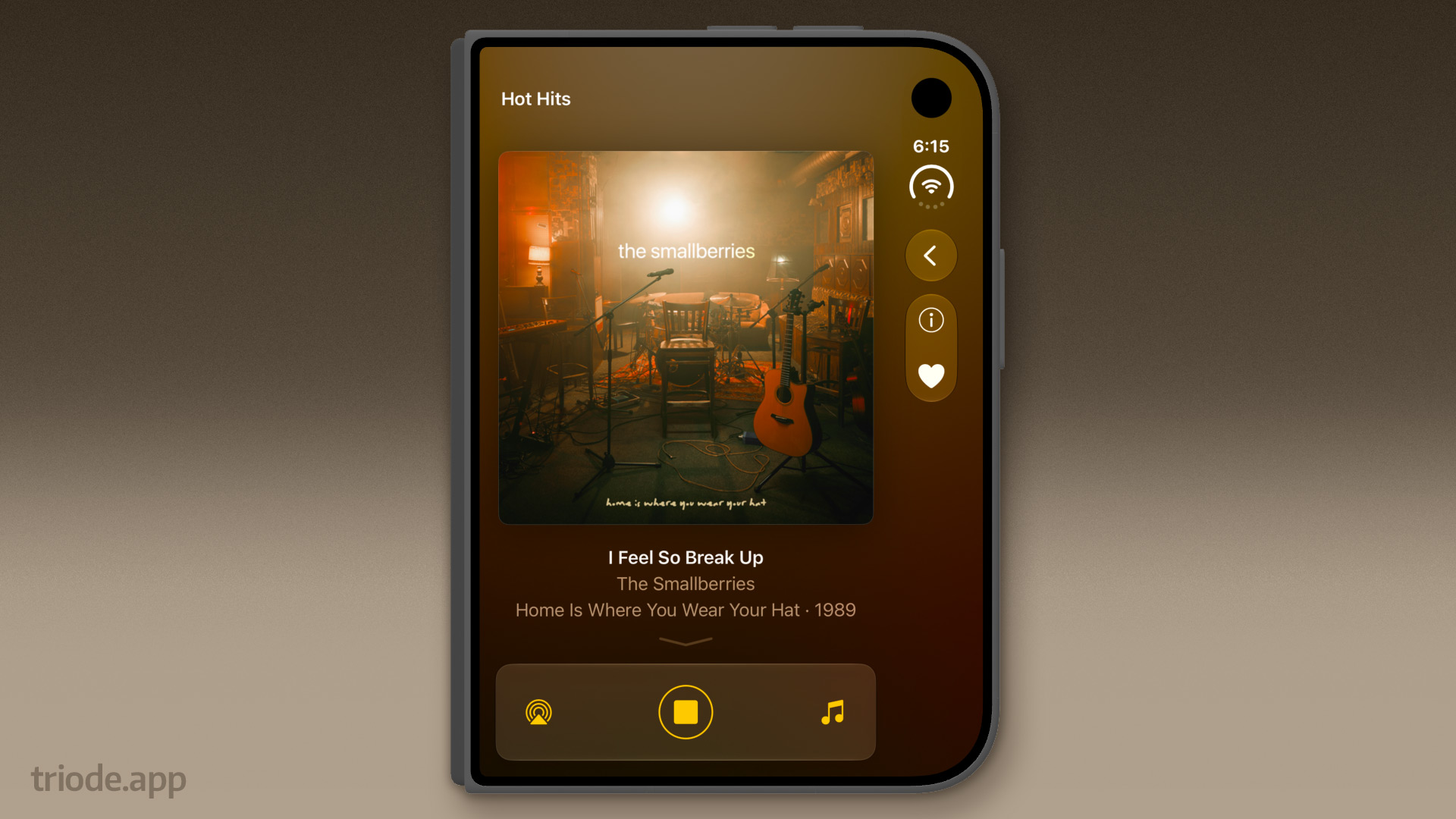
The same is true for the open inner screen – the portrait and landscape layouts are nearly identical except for navigation:
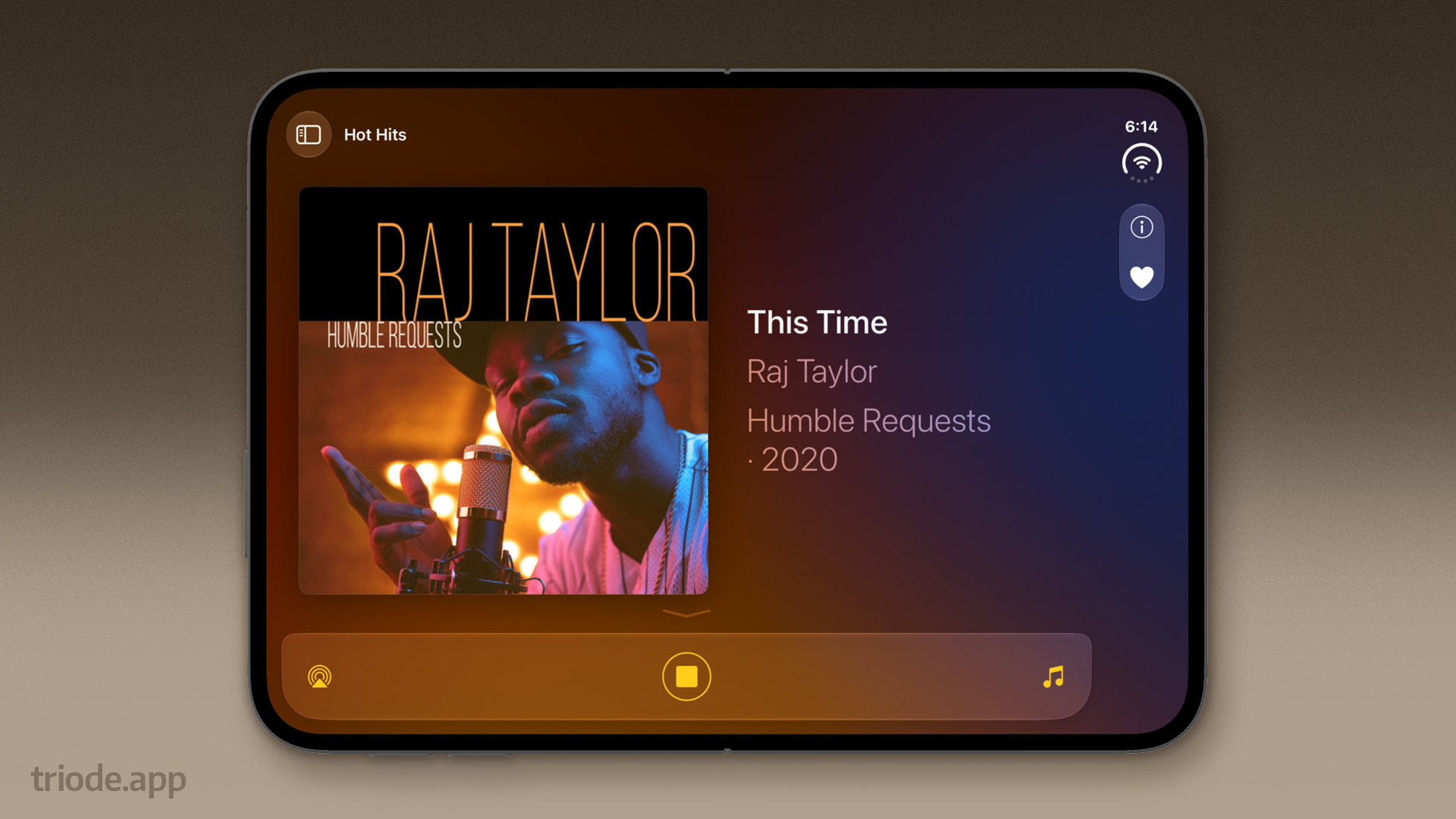
Things start to get interesting when the fold comes into play. One of the things that Apple stresses in their developer communications is that the area near the fold is hard to tap. There are APIs that let us figure out where those places are on the device and avoid them with controls and content.
This is Triode in the “book pose” where we avoid putting controls and content in the vertical fold:
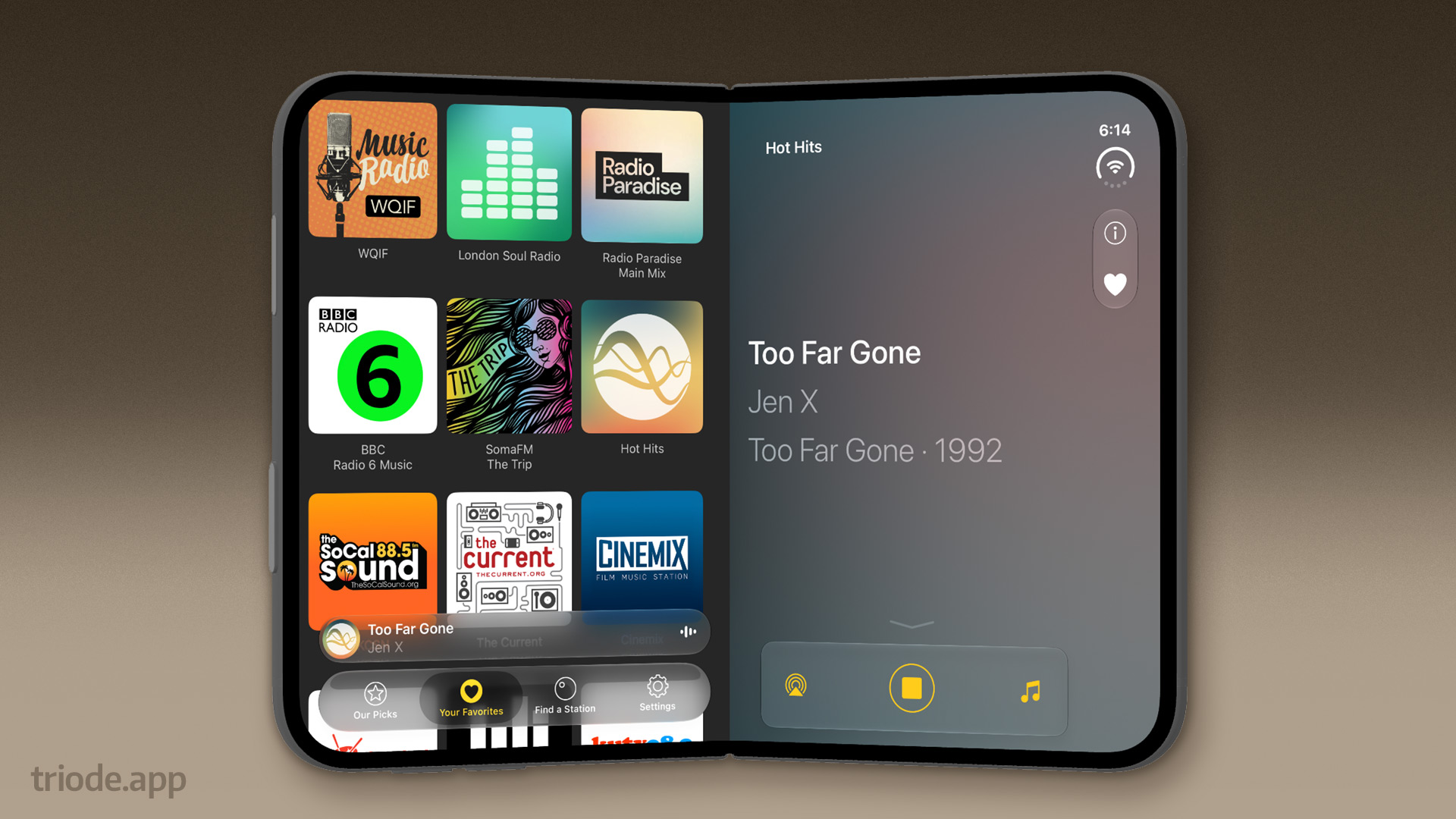
Things are completely different when the fold goes horizontal. This is the “laptop pose” where content is placed above the fold and controls are shown below. It gets its name “laptop” because the top area is like a window and the bottom is like keyboard buttons.
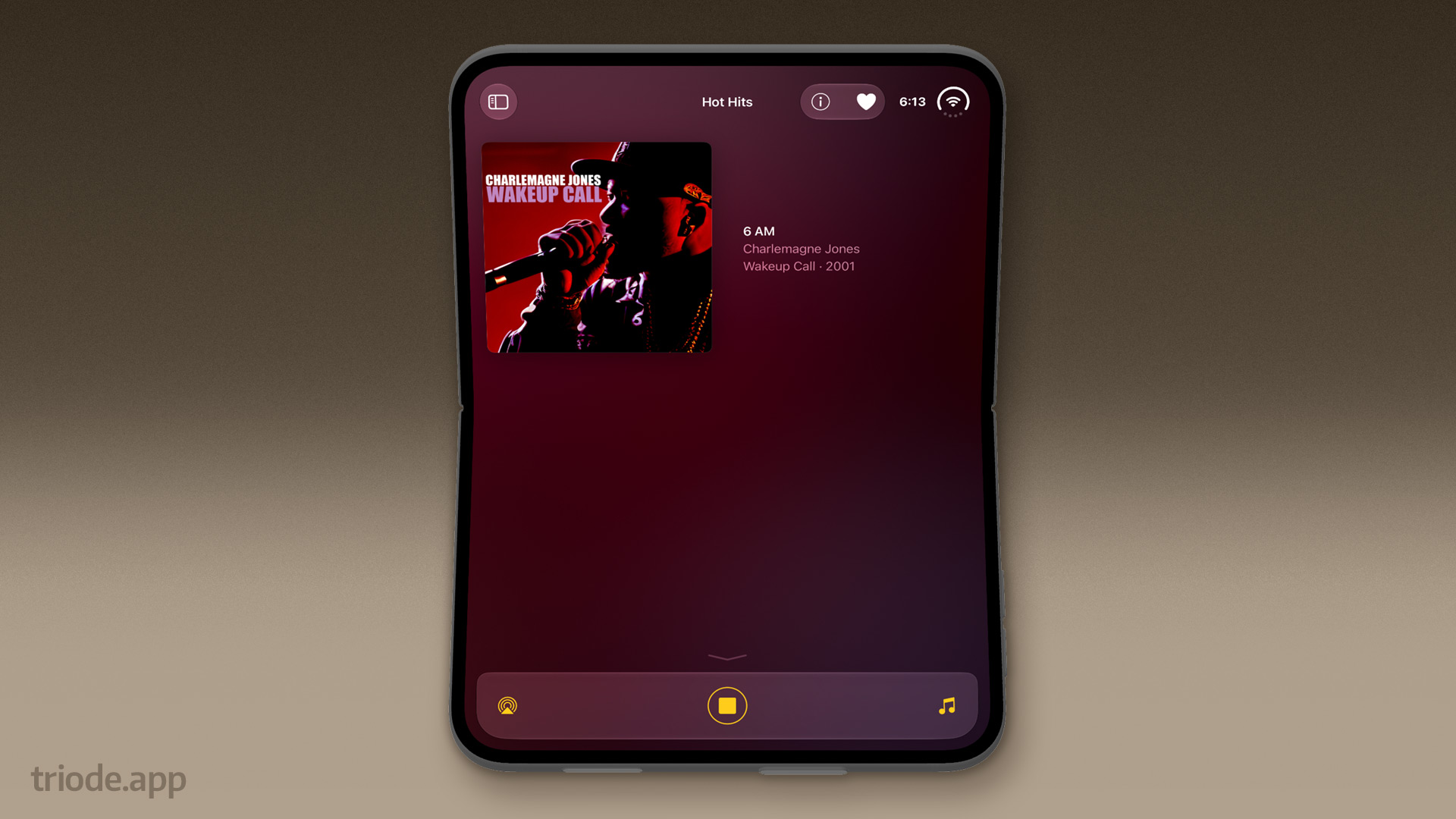
The final important pose on the iPhone Duo is the landscape on the external screen. Many iPhone apps, including Triode, haven’t supported landscape because it’s hard to find a good layout with a limited amount of vertical real estate (especially when a keyboard appears). The Duo’s 1:1.4 aspect ratio improves that situation a lot – the extra vertical height makes a lot of things possible.
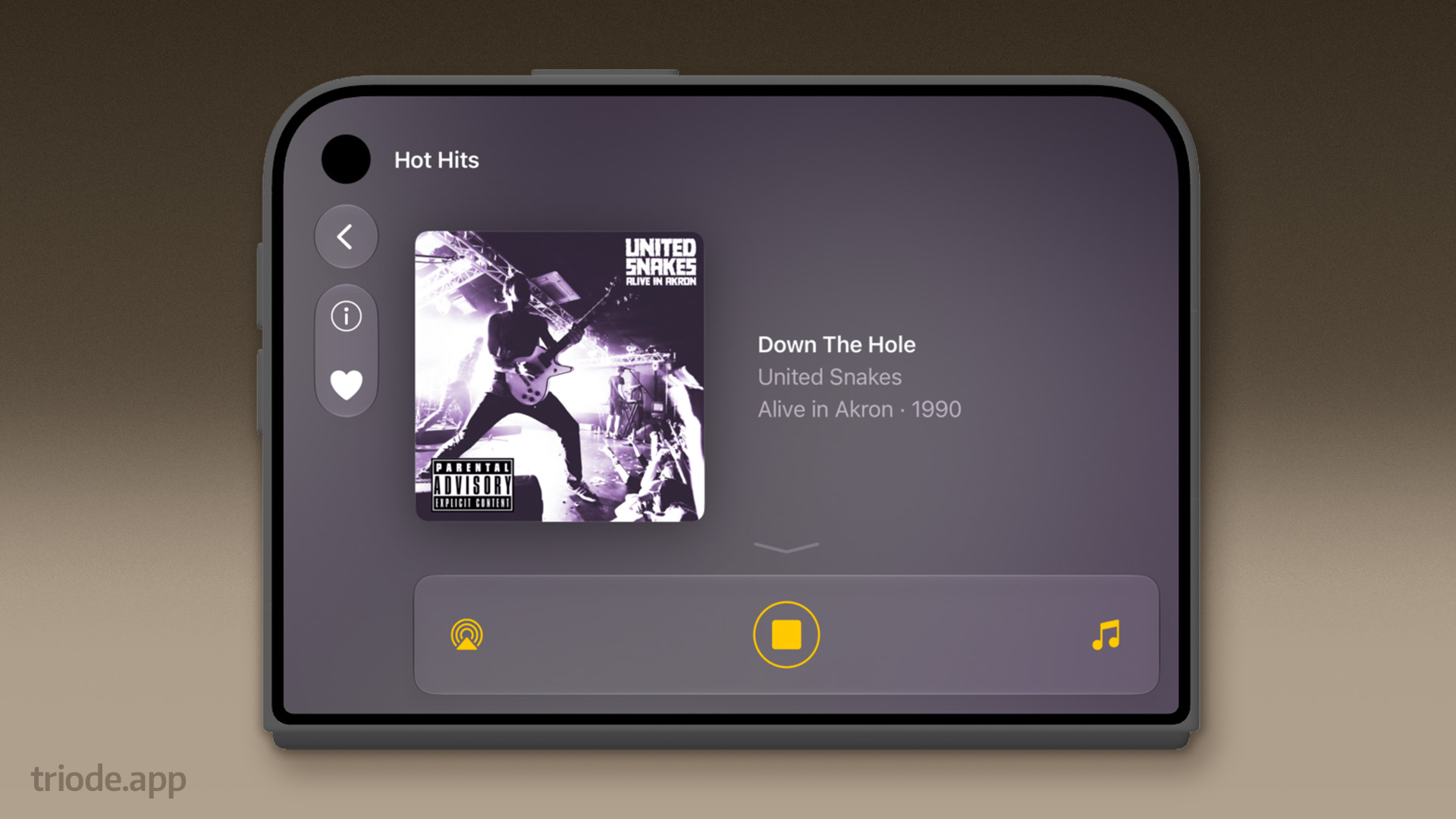
Combined with a hinge, this makes a “tent” and “charging” pose possible. Both are certain to be useful if you want to listen to Internet radio while the Duo is propped up on your desk. If you’ve ever used StandBy on your phone, you’ll understand the importance of this layout!
We also brought the landscape layout to regular iPhones. The vertical layout is tight, but with Triode’s ability to hide controls, it’s very useful. If you prefer the old behavior, you can turn off landscape support in System Settings.
Another improvement is tangentially related to the iPhone Duo: support for a new “Toggle Mute” action for Shortcuts. This action can easily be hooked up to an Action button or a BackTap – and when it’s used the stream will temporarily mute without stopping the stream. And when you use it again, the stream resumes: great for interruptions when you’re wearing AirPods. With the iPhone Duo not having an Action button, we’re planning to use BackTap instead. (Apple folks: FB25129828)
This release also includes improvements for layout and consistency across all the platforms where Triode is available: iOS, macOS, and tvOS. A full list of changes can be found in the version history.
We’ll certainly have improvements to make once we have an iPhone Duo in hand and some experiences using it. This release, however, should be a great beginning. Enjoy!