
The Breakroom

Celebrating Our Silver Pixel Anniversary

June 22, 2021

By Ged Maheux

Download our free Silver Anniversary Wallpaper on Patreon

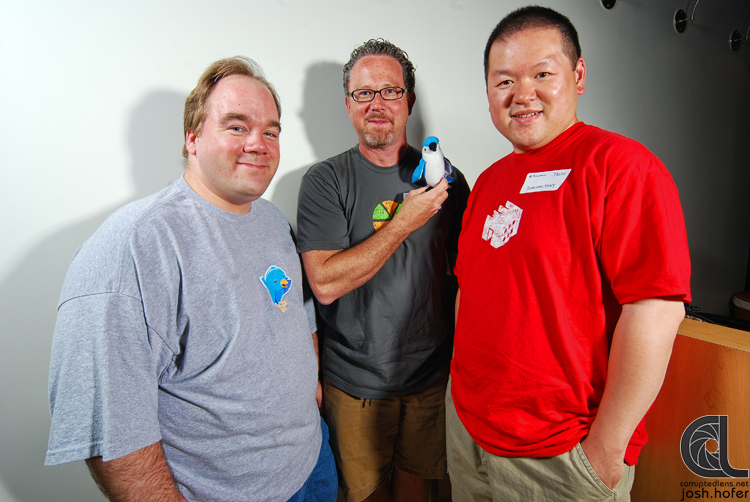
Twenty five years ago this week, Talos, Corey, and I first pushed pixels into icons of our favorite Star Wars, Star Trek, and cartoon characters and published them under the name Iconfactory (Icnfactory, actually). So much has happened since then, both with the company and the world in which we live, that it would be impossible to do it justice with a blog post.

Suffice it to say that we are humbled and gratified you have stuck with us over this many years, helping us not only survive, but thrive. We’ve grown by leaps and bounds, pushed billions of pixels, published dozens of apps and games, and had the good fortune of working alongside some of the most talented engineers, designers, and companies in the industry.

I’ll be honest, there have been times we didn’t think we were going to make it. But with hard work, teamwork, a little luck, and a lot of attention to detail, we’re still here doing what we love.

All because of you.

As I write this, the long-awaited sequel to one of our most beloved games, Frenzic, is sitting in Apple Arcade being downloaded by fans who have stood by us for a quarter of a century – as well as thousands of people who have never heard of our little company-that-could. How amazing is that? 

We’d also like to give a special shout out to all those past team members who have gone on to bigger and better things but nonetheless helped us get where we are – David Lanham, Travis Zuker, Louie Mantia, and Tyler Anderson. Thanks gang!

If you had asked any of us if we’d still have the honor of doing the things we love and getting paid to do them 25 years later I don’t think any of us would have believed it. So for Corey, Talos, Dave, Craig, Anthony, Sean, Cheryl, Mindy, Kate, and myself, thank you for an amazing 25 years in your service.

We can’t wait to see what happens next! 

DoBots, Assemble!

June 18, 2021

By Webmaster

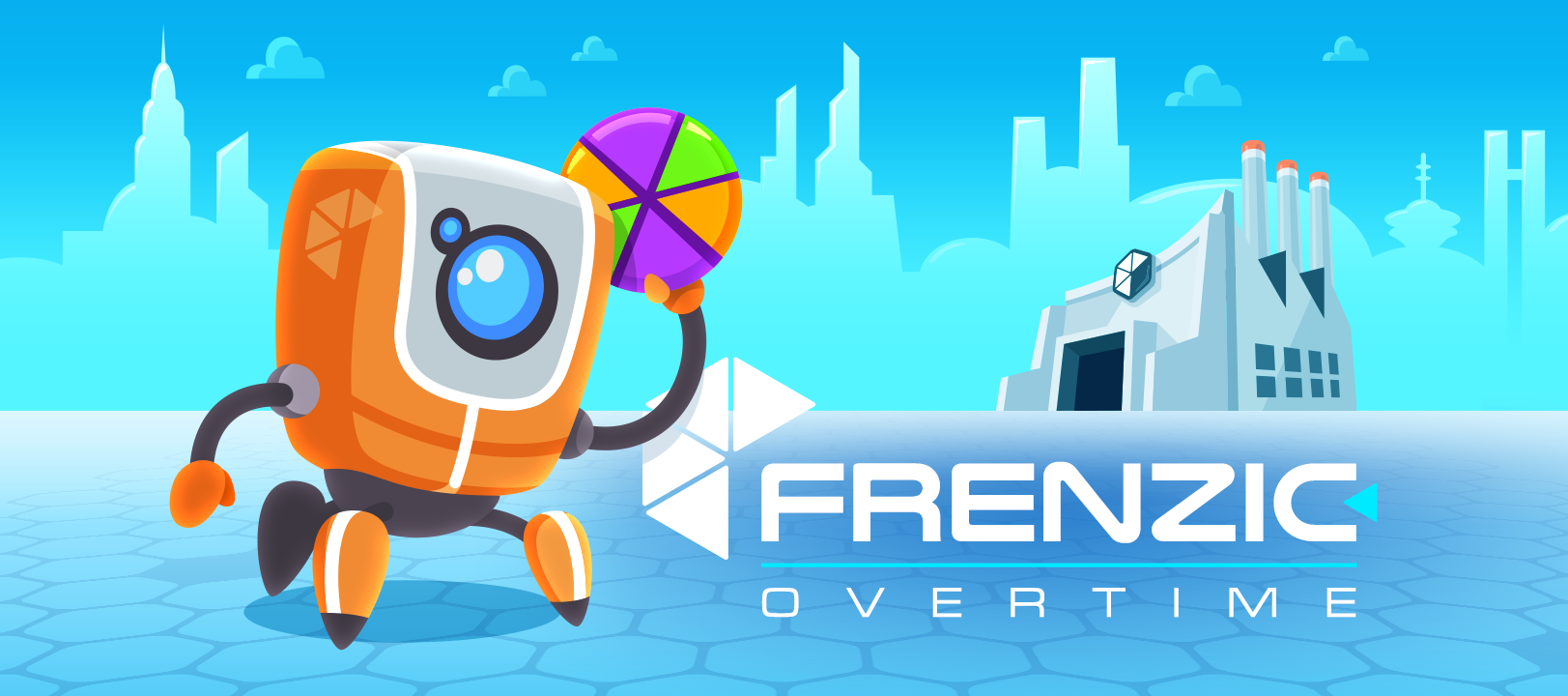
Frenzic: Overtime title graphic featuring InfoBot and DoBot

Today’s the day! The long-awaited sequel to Frenzic, one of the App Store’s first hit games, is now available on Apple Arcade. Frenzic: Overtime combines fast-paced and engaging play with stunning visuals and sound in an arcade-style puzzler for players of all ages.

Creating this game has been a labor of love for all of us here at the Iconfactory, and we absolutely cannot wait for you to play it. It’s packed with dozens of challenging levels with pulse-pounding music, never-before-seen puzzles, multiple game play modes, a light-hearted storyline, and so much more.

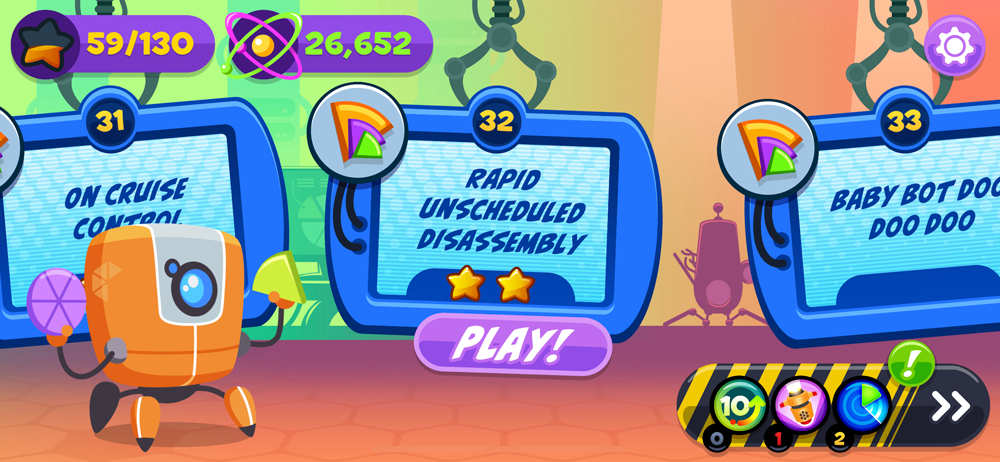
DoBot gears up to the challenges of daily life at Frenzic Industries
Frenzic's Hacker levels in action
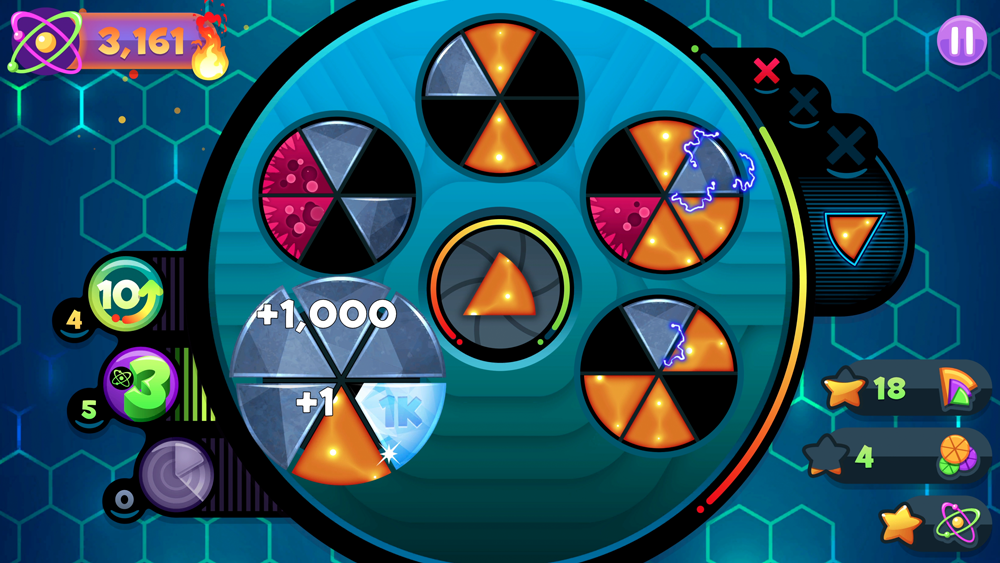
Frenzic's fast-paced puzzles are a blast for players of all ages
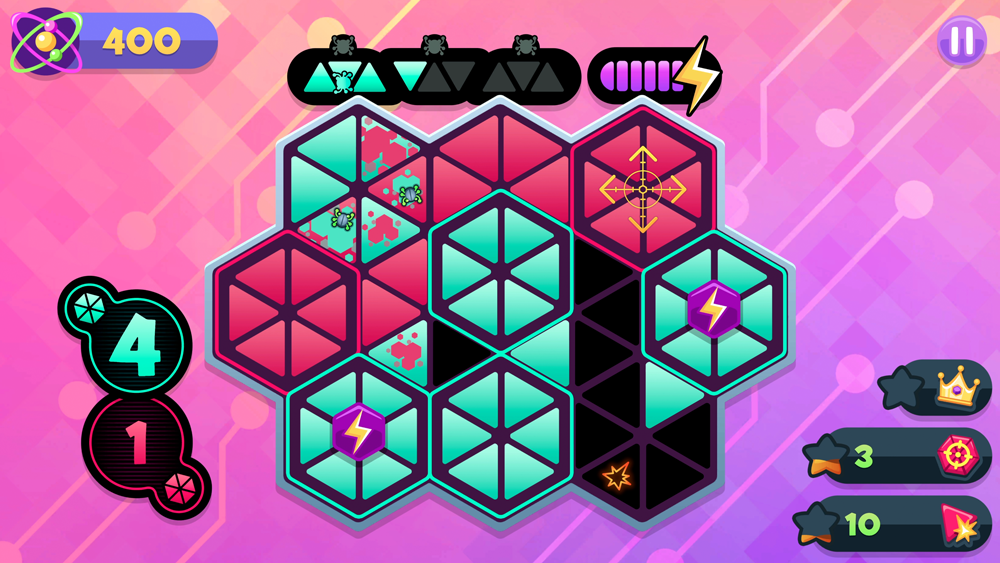
Players face a variety of fun, challenging puzzles in Frenzic: Overtime

We have a lot to say about Frenzic: Overtime. The long road from the original to today’s sequel release, how Apple Arcade helped bring it to life, what went into its creation, and what’s on the horizon for Frenzic’s future. We hope you’ll join us, but for now there are puzzles to solve, corporate ladders to climb, and a world to save. Head on over to Apple Arcade, get Frenzic: Overtime, and start building your powercores!

Frenzic: Overtime – Dress Like a Bot!

June 14, 2021

By Ged Maheux

Frenzic: Overtime t-shirt designs: DoBot Ready to Assemble, Frenzic Industries corporate logo and InfoBot Loves You!

InfoBot dropped by to let us know that while everyone waits for the game to hit Apple Arcade on Friday, June 18th, the gift shop in the lobby of Frenzic Industries is open and accepting pre-orders for Frenzic apparel. And by gift shop we mean the fine folks over at Cotton Bureau. We’ve teamed up with them once again to bring you high-quality, screen printed shirts in three fun designs. The T-shirts are available in sizes for men, women, and kids, and can be ordered starting today through June 24th, with delivery in mid-July.

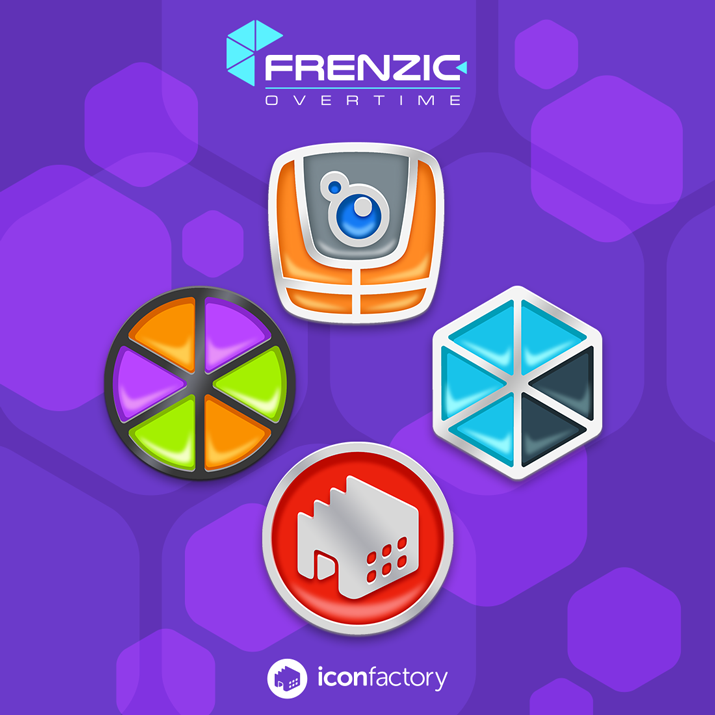
Frenzic enamel pins with DoBot, pie pieces, Frenzic Industries logo, and Iconfactory logo.

In addition to T-shirts, we’re also offering a cool set of Frenzic: Overtime enamel pins. Each pin measures 1” in diameter and is inspired by the Game Center achievements you earn as you work your way up the Frenzic corporate ladder. The set is rounded out with a sleek new Iconfactory logo. Supplies of these pins are extremely limited and they’ll be gone quicker than a malfunctioning DoBot. If you want a set, head over to Cotton Bureau and order yours today!

Finally, if you’re a Patreon backer who subscribes at the $10 level, make sure to use your discount code when ordering Frenzic shirts and pins at checkout for some special savings. Iconfactory patrons also get exclusive wallpapers, avatars, and other digital goodies, including early access to new software releases. If you’re not a subscriber to our Patreon, now would be the perfect time to sign up.

And if you haven’t already, head over to Apple Arcade and smash that GET button to be one of the first to play our all-new puzzler when it’s available for download on the 18th. We think you’ll really going to love Frenzic: Overtime!

Twitterrific – What’s On The Menu?

May 17, 2021

By Sean Heber

Today’s update of Twitterrific for iOS modernizes menus, tweaks navigation structure, and improves some long-standing design limitations. All of the changes in this release are free and geared to make Twitterrific even easier to use.

Main navigation has moved from the top to the bottom on both the iPhone and iPad screens. There are many benefits to this move away from the title bar: you now have four fully customizable slots for your favorite items (previously there were only two). Searches can be used in any slot, giving direct access to tweet and people search or to quickly view trending topics. Customers have been asking for this ability for years and we’re happy to finally offer this improvement.

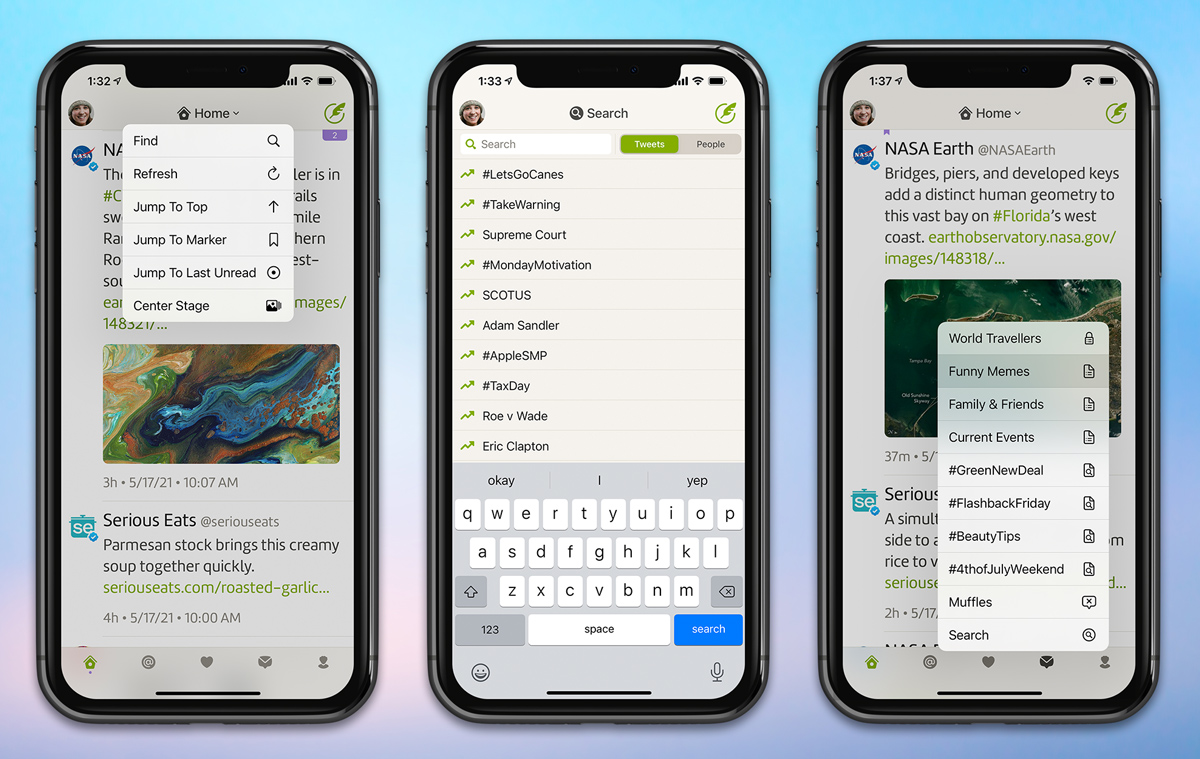
Twitterrific's new menus.
Twitterrific’s new menus make taking action quick and easy!

As a result of the navigation change, the title bar at the top of the screen gets some new capabilities: it now sports a menu that adapts to the timeline you’re viewing. Tap this menu to instantly jump to the last unread tweet, save a search, share a discussion, filter tweets, and more.

The new menu structure lets you search timelines at any time while reading. Previously you had to sacrifice your reading position before searching.

We’ve adopted modern pull-down menus that activate with a long-press. This includes on the body of a tweet, links, media thumbnails, and more.

When VoiceOver is enabled, users can access the new pull-down menus using the triple-tap gesture; and when active the tweet pull-down menus include “More Actions” with additional functions such as replying, quoting, liking from another account, viewing any thread participants, and opening a tweet’s attached location. Previously these actions were more difficult to access or missing entirely when using VoiceOver.

We’ve also improved the layout of the search view and trending topics, added a new haptic vibration when refreshing, and added a handy counter to thread views so you know just how many tweets are above your reading position.

If that wasn’t enough, we’ve also updated the macOS version with new app icons, media viewer improvements, and bug fixes for fonts, themes, and more.

Be sure to check out Twitterrific’s release notes for the entire list of what’s new then head to the App Store and download Twitterrific 6.3 for iOS. The app is free to download so enjoy and thanks for your support!

Frenzic: Overtime – Coming Soon to Apple Arcade

April 2, 2021

By Ged Maheux

Frenzic: Overtime hero image of DoBot standing outside Frenzic Industries holding a powercore

Today we’re pleased to announce that Frenzic: Overtime is coming soon to Apple Arcade. This new game combines fast-paced and engaging play with stunning visuals and sound. It’s an arcade style puzzler that players can easily pick up and enjoy for a few minutes or even hours. We’re thrilled Apple is giving us this opportunity and can’t wait for you to play it!

“Life on the factory floor at Frenzic Industries can be a bit chaotic as players assemble powercores for the new ZapBots. As players meet their shift goals in a timely manner, they’ll be promoted to more rewarding positions on the assembly line. Players will face over 45 levels, multiple gameplay modes, and hundreds of mini-goals as they uncover the secrets of Frenzic Industries, and ultimately, save the world.”

All of us here at the Iconfactory have dreamt of creating a sequel to the original Frenzic, which first debuted on the App Store thirteen years ago. Thanks to Apple Arcade, that dream is about to become a reality. We’ve taken the original game and propelled it not just to the next level, but far beyond. We can’t wait to tell you more about what went into its creation.

So hang tight while the assembly line powers up! There are powercores to build, secrets to unveil, and much, much more in the days ahead. Stay tuned!

Family Sharing Is A Go!

December 9, 2020

By Ged Maheux

Ever since Apple announced last June that family sharing would be extended to include subscriptions and in-app purchases, we’ve been anxiously awaiting its availability. Today, we’re pleased to announce that family sharing of subscriptions and in-app purchases has been enabled in Triode, Twitterrific and Linea Sketch.

This means that if you subscribe to any the premium features in these apps, or have bought an individual in-app purchase in any of them, those subscriptions and purchases are now also available to anyone you’ve added to your family sharing plan.

This great feature helps you save some money by letting everyone in the family take advantage of all that our apps have to offer at no extra charge. Enjoy!

Linea Sketch + Inktober = BFF

September 25, 2020

By Ged Maheux

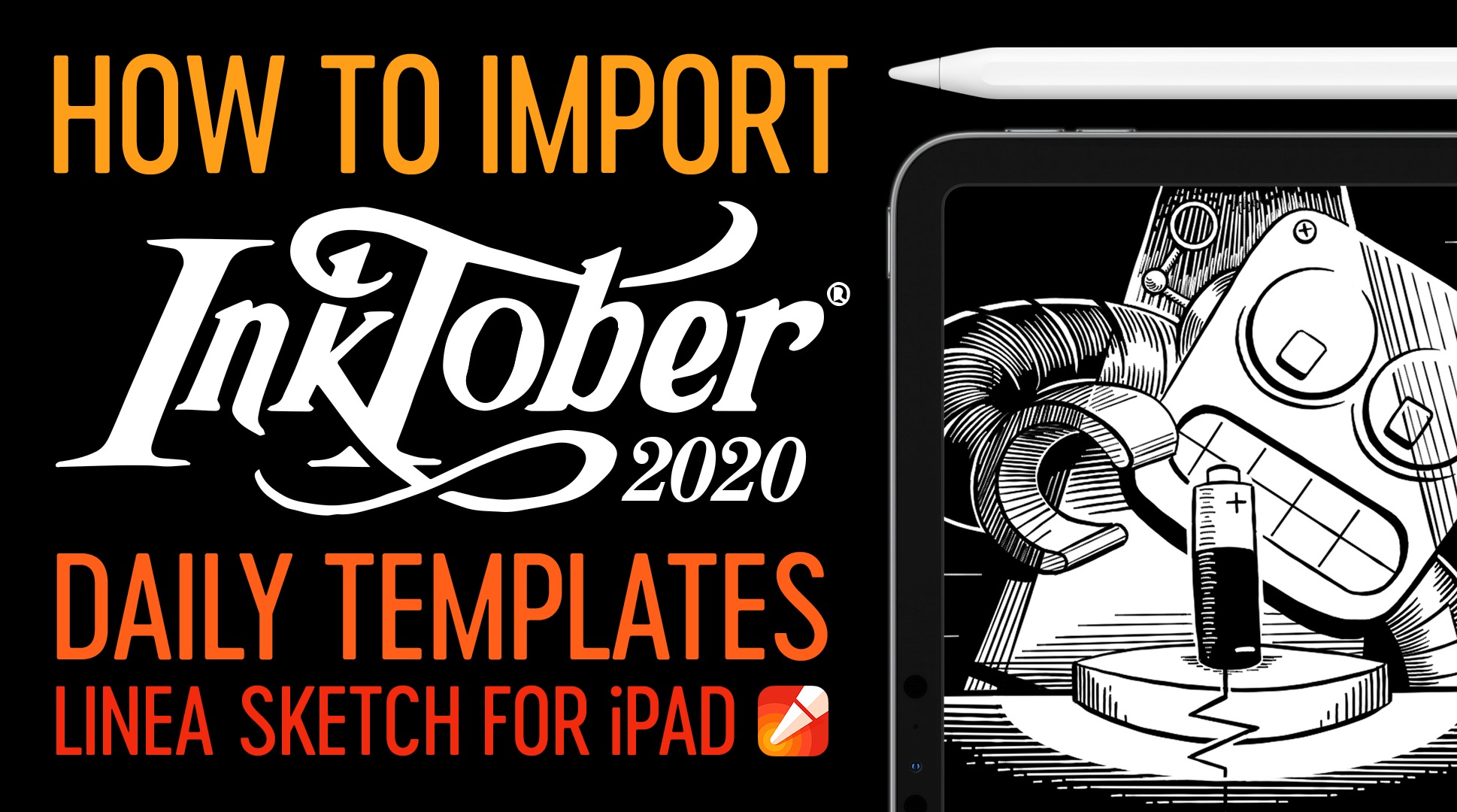
Inktober 2020 Templates

October is our favorite month of the year. A time when the air starts to chill, we bust out our comfy sweatshirts and turn our eyes towards our favorite holiday, Halloween. It also marks the month-long celebration of Inktober which encourages artists, both amateur and professionals alike, to pick up pen and pencil and express themselves each and every day during the month with a drawing.

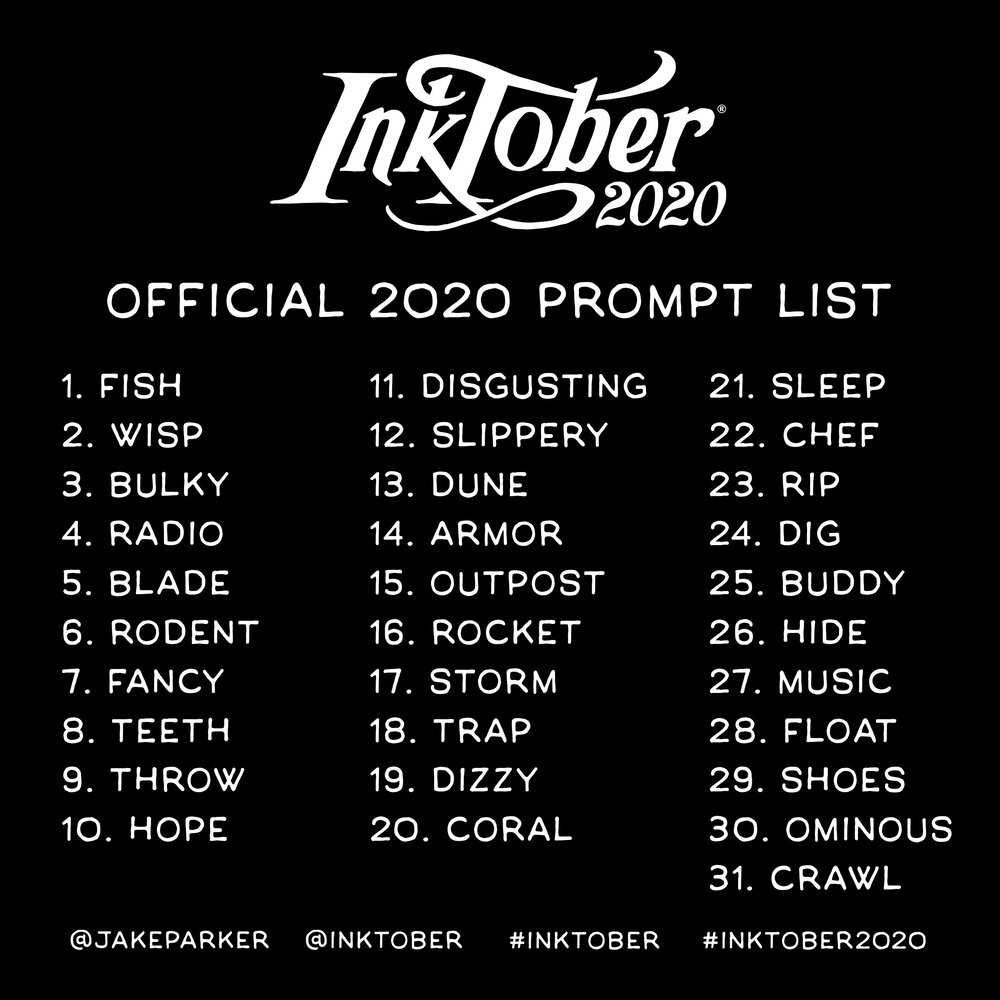
2020 prompt list

Last year we created a set of handy templates for Linea Sketch that outlined the prompts for each of the 31 days in Inktober and we’ve done it again for Inktober 2020. These Inktober 2020 templates are broken out by pages and numbered to contain the prompt for that particular day’s drawing. The templates are great for those who like to have a uniform set of drawings for the entire month or who want to stay tight and focused on their daily creations.

Linea’s Inktober 2020 templates are completely free, easy to set up, and should quickly get you on your way to joining in on the inking fun. Last year we created a short video tutorial on how to get the templates into Linea Sketch for the iPad that will help guide you through the process this year as well. Be sure to check it out.

Lastly, don’t forget to tag your posts with #LineaSketch – we’ll be sharing our favorite drawings over on Instagram. Get your Apple Pencils ready. October will be here before you know it!

WhatsApp Emoji Suite

July 15, 2020

By Ged Maheux

WhatsApp Emoji Hero Shot

The Iconfactory has been working hand-in-hand with the talented team at WhatsApp since 2017 to craft thousands of expressive icons in the form of custom emoji for their popular mobile messaging application. The project has involved the design, refinement and production of over 3,000 unique emoji spanning Unicode 10, 11, 12 and the recently announced entries seen in Unicode 13.

As World Emoji Day 2020 approaches, the Iconfactory is grateful for the opportunity to help the talented team at WhatsApp bring increased fidelity and enjoyment to their popular messaging platform. We hope users have fun exploring the depth and richness of these new emoji as they communicate with friends and loved ones from day to day.

Introducing Fontcase

June 12, 2020

By Craig Hockenberry

Fontcase logo and app icon.

I’m pretty sure this is the first time we’re announcing a new product that isn’t version 1.0. I’m absolutely sure this is the first time that we’re announcing a release that isn’t our own app.

Let me explain.

It all began with our simple text companion, Tot. Everyone wanted to use custom fonts for their text on iOS. We all have our favorite editing fonts and they were easy to configure on macOS. It made sense to bring this capability to the mobile app.

But we quickly realized that getting custom fonts onto iOS is much harder than on the Mac. There is no Font Book app and our initial research indicated that an Adobe CC subscription was required to download fonts. But even with a subscription, we couldn’t see new fonts in Tot. More research led to font installers on the App Store that were loaded with ads and required a passcode to install a configuration profile.

As someone who was used to the elegance of copying a font file to a special folder and then being able to use it system-wide, this felt wrong both from a usability and security point-of-view. So I complained about it on Twitter.

Luckily, one response was just what I needed: Manolo Sañudo tweeted about his app xFonts. The app got the job done, but more importantly it showed why I was being prompted to install a configuration profile.

As a developer, I know a bit more about configuration profiles than most folks. Here are just a few things a someone can do with a configuration profile:

  • Add risky certificates and network configurations.
  • Modify a font and embed an identity tracker.
  • Change or add app icons on your home screen.

Apple’s full documentation about configuration profiles is a real eye opener. It’s designed to allow businesses to control the content and settings of their employee’s devices. It can also be abused by a malicious developer to do the exact same thing with your device.

The xFonts source code put my fears to rest because I could see exactly what it was doing with the profile. And while looking at the code, I had some ideas for improvements. I contacted Manolo and asked if he’d like contributions. After getting the go ahead, there was a pretty substantial pull request. Open source FTW.

Of course, once the code changes were done, we took a pass on the visual elements in the app. Ged’s new app icon and an updated color scheme gives the app a fresh new look.

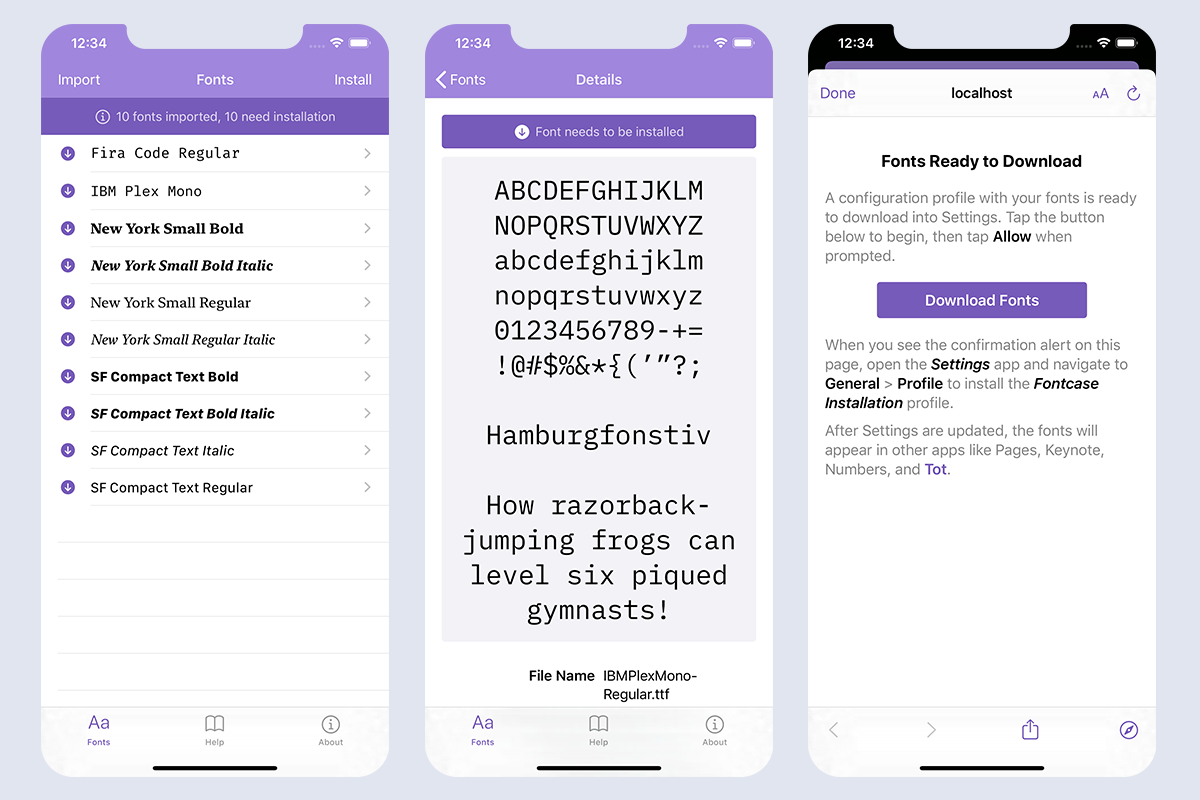
Screenshots of Fontcase user interface showing list of fonts, a preview, and the install dialog.

Here’s what’s new in version 2.0:

  • Support for iCloud Drive and Dropbox – the standard file picker can be used to import fonts onto your device. Maintain a folder of fonts on your cloud storage and it’s easy to keep all your devices in sync.
  • A font preview with metadata – lets you make a quick visual check that you’ve got the right font.
  • Extensive help explaining the installation process and security implications.
  • Support for Light and Dark Modes.
  • An adaptive layout that works well on devices from the iPhone SE to the largest iPad Pro.

And last, but not least, a new name: xFonts is now Fontcase. (It was much too easy to find the wrong app on the App Store using the previous name. We also know about the retired Mac app with the same name and its developer is fine with us reusing it.)

In the end, we’re all proud of this new version and hope it makes getting fonts onto iOS a little less of a hassle for everyone. Download a FREE copy today!

Toys for Tot

May 28, 2020

By Craig Hockenberry

We’re happy to announce a new version of Tot with some features frequently requested by the app’s legion of fans.

The main focus of today’s release are system extensions that allow Tot to co-exist with other apps. To this end, we’ve added a Sharing extension for both iOS and macOS. Additionally, there’s also a widget for iOS that lets you quickly access any of Tot’s dots. Like everything else in Tot, attention was paid to minimizing friction, allowing information to be collected as quickly as possible.

Screenshots of the new sharing extensions on macOS and iOS.

These new extensions are easy to set up:

  • On macOS, go to System Preferences > Extensions > Share Menu and enable the checkbox next to Tot.
  • On iOS, use ⋯ in the Share sheet’s list of app icons to add Tot.
  • On iOS, use Edit at the bottom of widget view to add Tot.

Once enabled, you can share any text or link with Tot. Here are few ways we’ve started using the functionality:

  • You find a link while on iOS and want to check it out later on your Mac: just tap the Share icon in the middle of Safari’s tab bar, select Tot, then a dot, then tap Done. You can then format the text and link separately using “T <>”, combine them with”<T>”, or create a bare link with “<>”.
  • The opposite direction works great, too. Control-click on a link in Safari and use Tot from the Share submenu. Tot’s quick syncing makes the link immediately available from the comfort of the iPad in your living room.
  • If you have some text in a Mail or Notes that you want to move into Tot, just select the text and use “Share…” in the context menu. This works on both macOS and iOS.

Besides selecting a dot, Tot also gives you an option to to put the information at the beginning of the text and add some line padding.

Other notable changes in this release is our continued commitment to VoiceOver accessibility and hot new icons for everyone else.

If you haven’t tried Tot yet, give the FREE macOS app a try. There’s also a companion app for iOS. You can also learn more about both apps on the Tot website. Enjoy!